
How it works
One night
with Somni Mask
Seven steps, from switching it on to the morning log.
-
01
Turn it on and connect
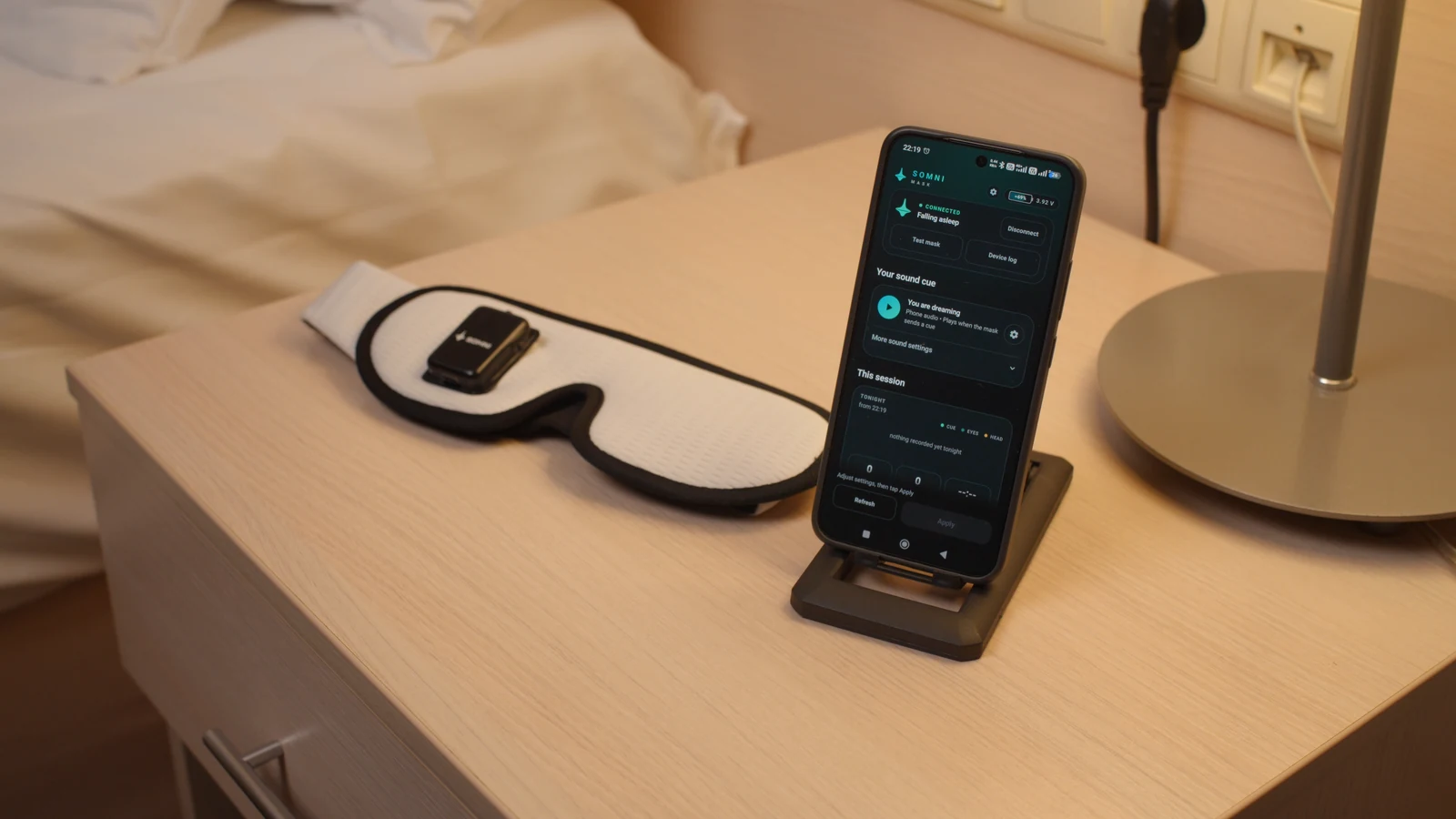
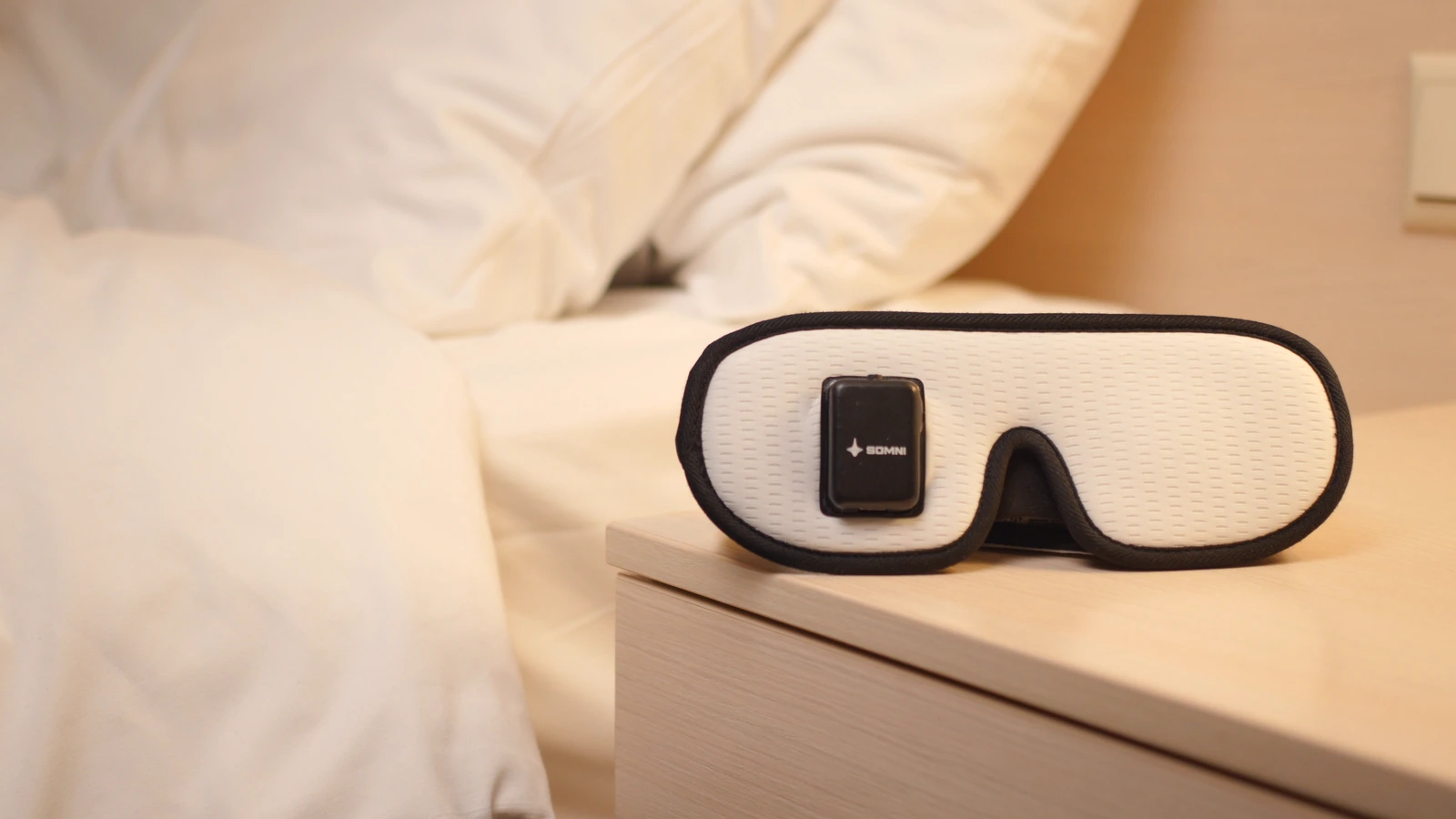
Press the button on the sensor module to turn it on, then connect the mask in the app.
The cue sound comes from your phone and needs the app’s night watch, which starts when you connect the mask and keeps going with the screen off, so keep the phone by the bed.
-
02
Set your cue
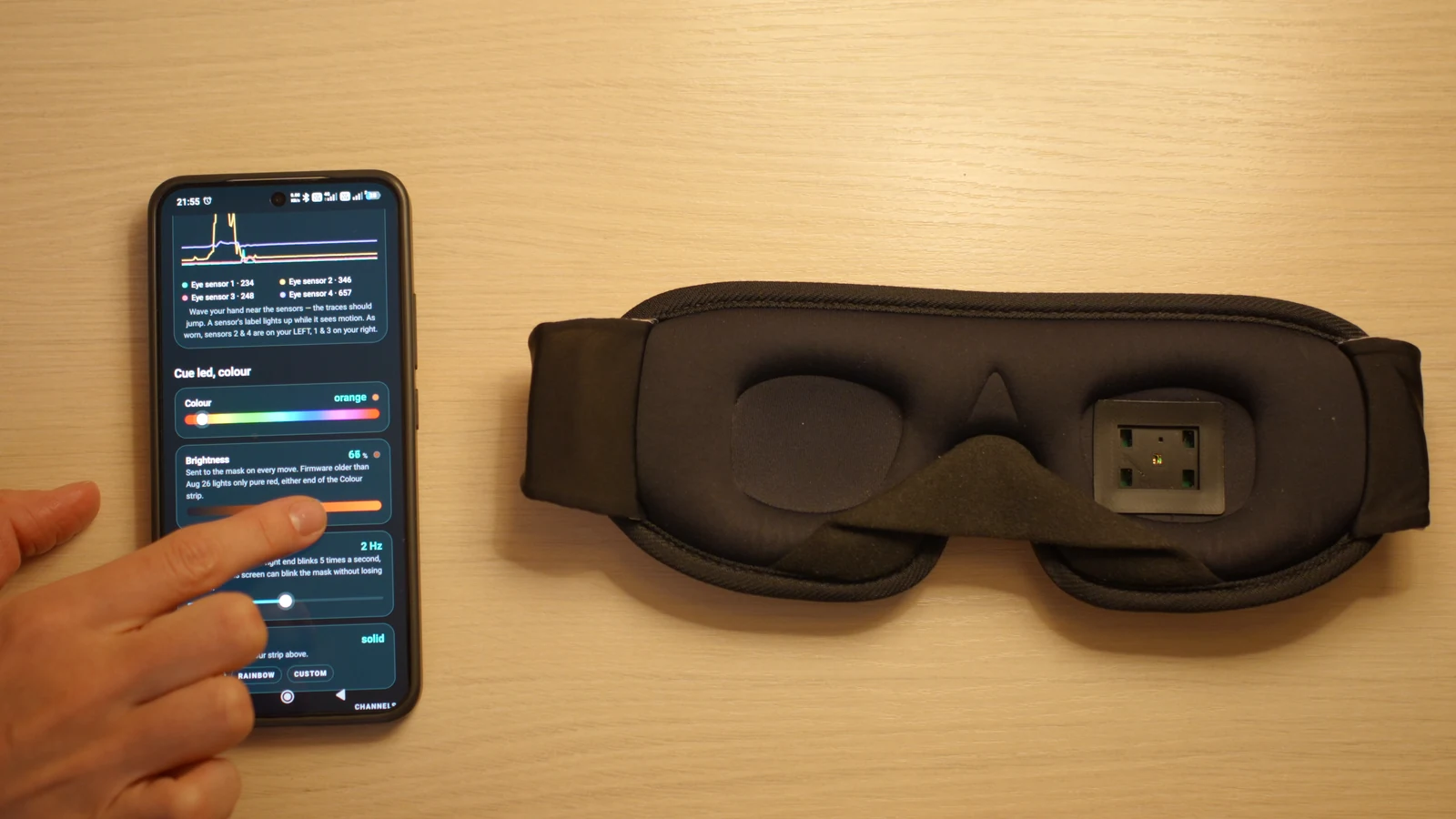
Choose the light’s color and brightness. Pick a built-in sound or add your own, up to 45 seconds.
Set how many eye movements make a cue, when detection starts, and the pause after a cue or a head movement.
-
03
Put it on
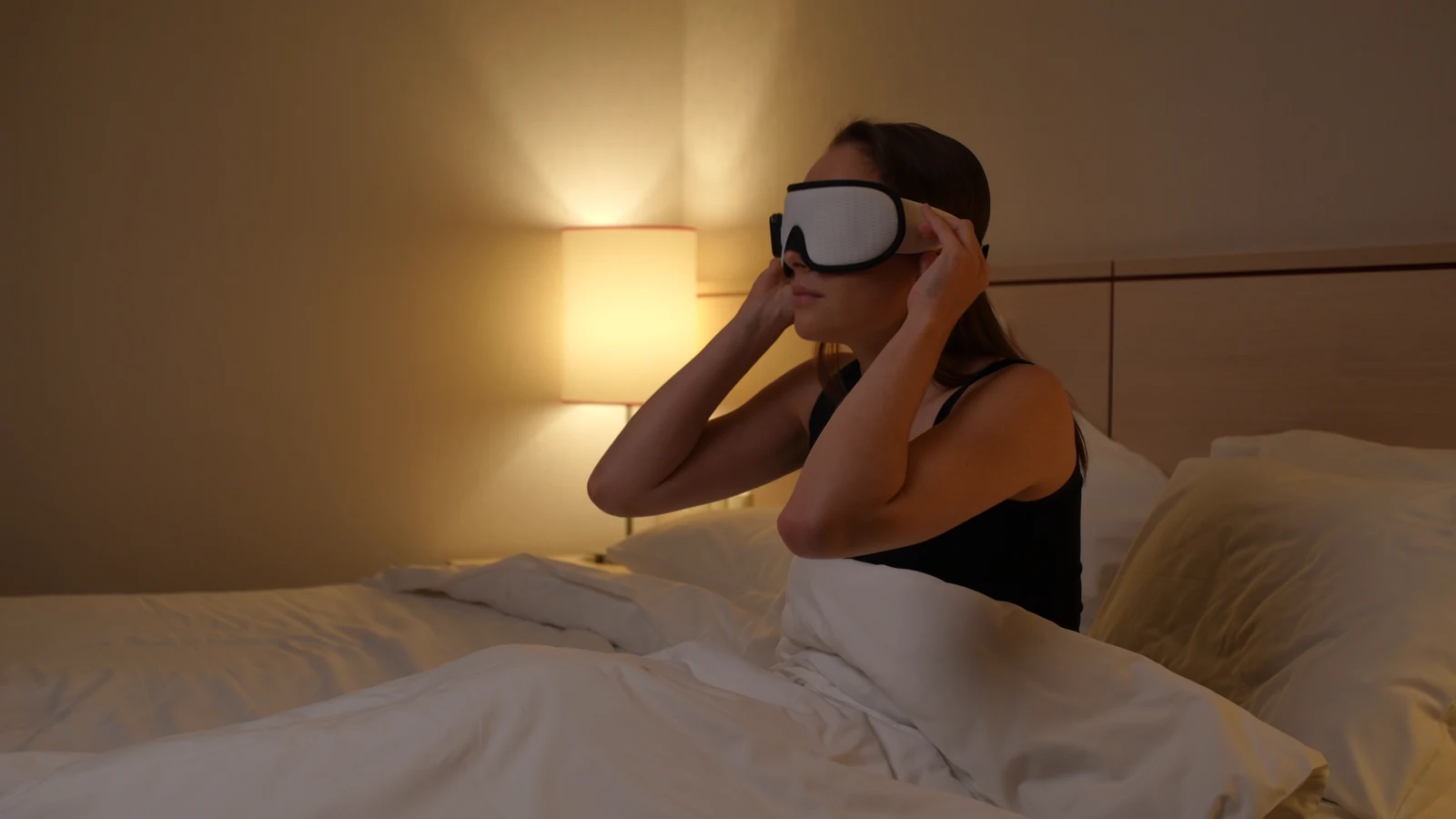
The sensor module goes over one eye. Adjust the strap until the mask rests comfortably on your face.
-

04
Fall asleep
Lights off. Detection waits up to the time you set, counted from the moment you switched the mask on.
-
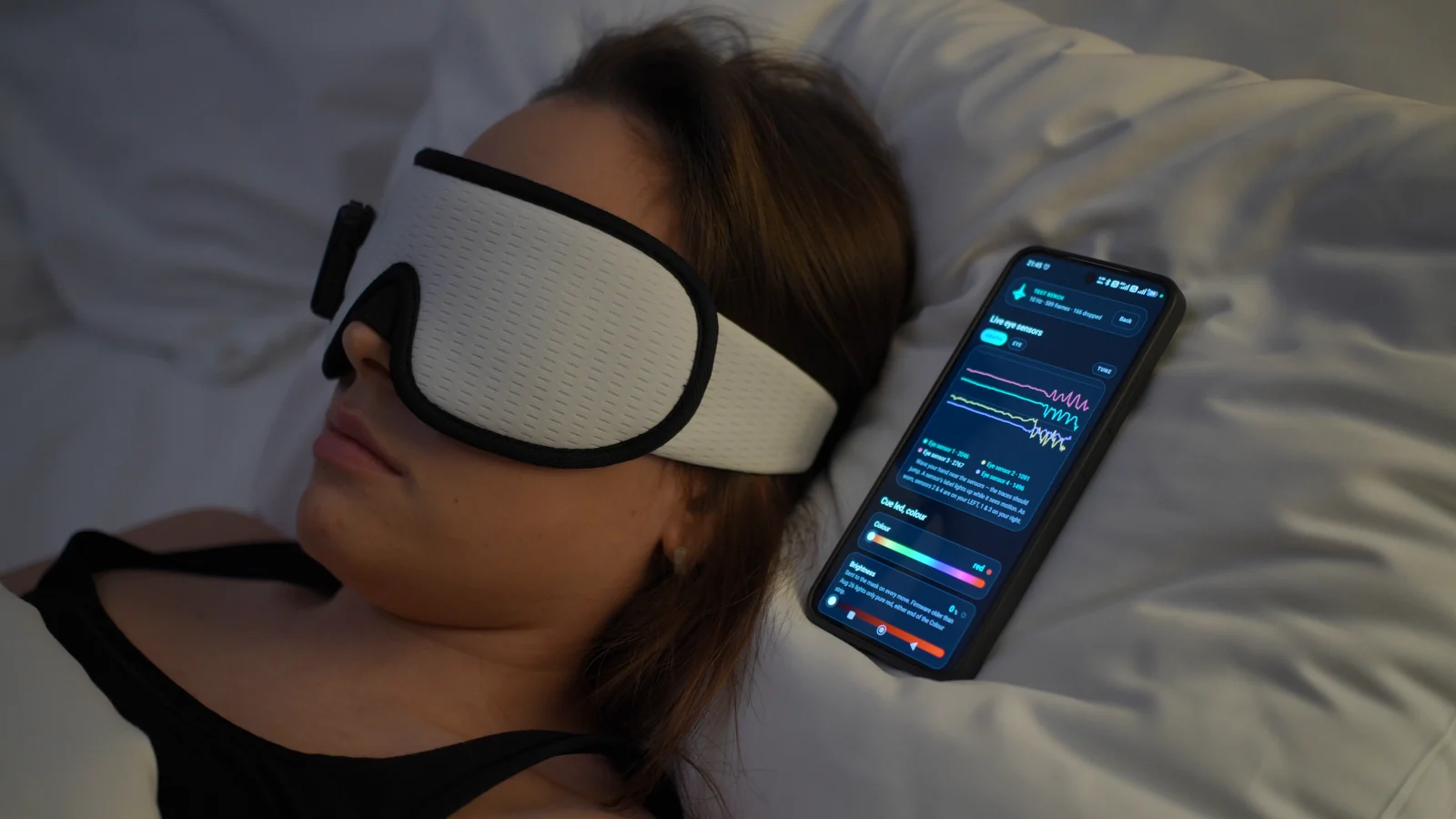
The app’s live sensor view, posed for this photo. At night the phone screen stays off. 05
Through the night
Four infrared sensors sit around one eye and detect eye movements under the eyelid that accompany REM sleep. When enough movements come close together and your head stays still, the mask flashes a light. The counting happens on the mask.
-
A schematic, not a recording. How many cues a night brings, if any, depends on your settings and on the night. 06
A cue to notice you’re dreaming
A lucid dream is a dream you know you are having. The light, or the sound if you added one, is a signal to check whether you are dreaming. Noticing it inside a dream takes practice.
-
07
In the morning
Read the mask’s night logs. The app keeps a copy on your phone.