

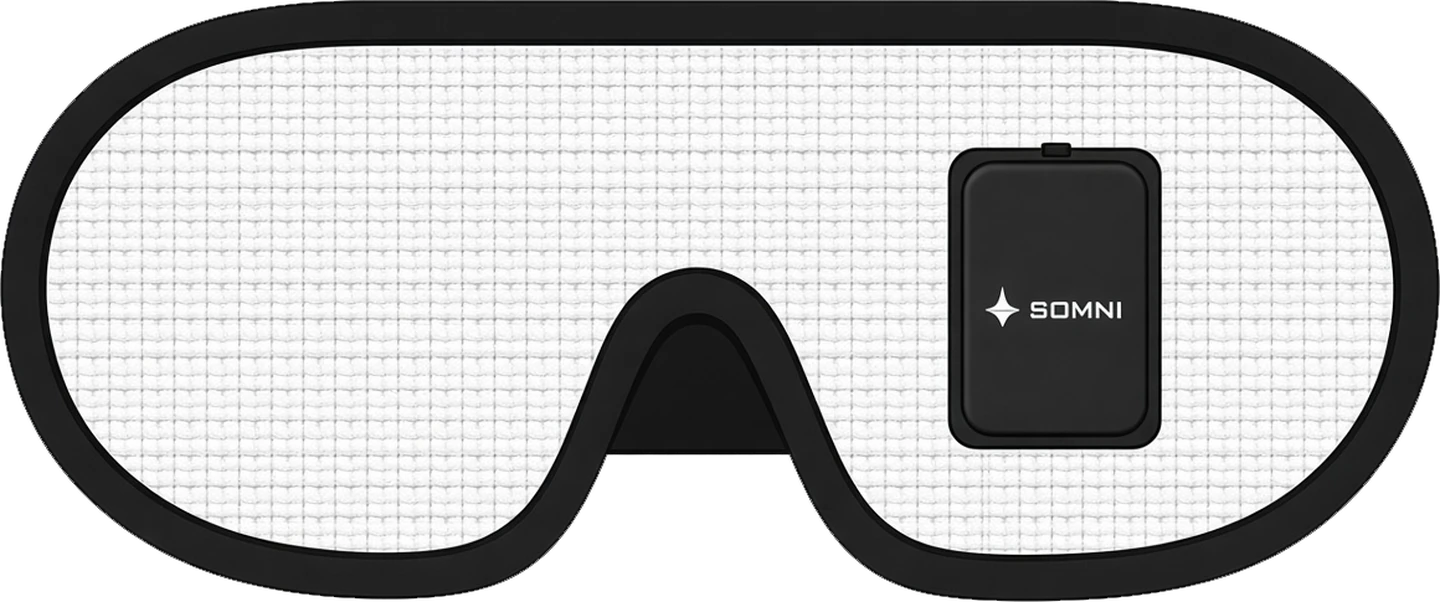
Mask controls
SOMNIMASK
Offline
Somni Mask

Meet your Somni

Turn the mask on and bring it close to your phone or computer.

ᛒBluetoothLow energy
ϟPower savingOptimized
⌾Direct connectionMask to browser
Connection help
  1. Switch the mask on. If it does not appear in the list, switch it off and on again.
  2. Close the Somni app if it is running. The mask serves one connection at a time.
  3. Choose Somni Mask in the Bluetooth list.

This session

Tonight● CUE ● EYES ● HEAD MOVED

Waiting for the mask

—Cues
—Head movements
--:--First eye movements

What this page saw while it was connected. The mask keeps the full night.

Your sound cue

Two chimes

Cue light

R 0 · G 0 · B 0channels

Night settings